Fraud protection.
Now it's personal.
ANZ Falcon® technology monitors millions of transactions every day to help keep you safe from fraud.
Falcon® is a registered trademark of Fair Issac Corporation.


Fraud protection.
Now it's personal.
ANZ Falcon® technology monitors millions of transactions every day to help keep you safe from fraud.
Falcon® is a registered trademark of Fair Issac Corporation.

Fraud protection.
Now it’s personal.
ANZ Falcon® technology monitors millions of transactions every day to help keep you safe from fraud.
Falcon® is a registered trademark of Fair Isaac Corporation.
We’re focused on making ANZ products and services more accessible and inclusive. That’s why we’re removing barriers to banking online, on the phone, in branch, and at ATMs.
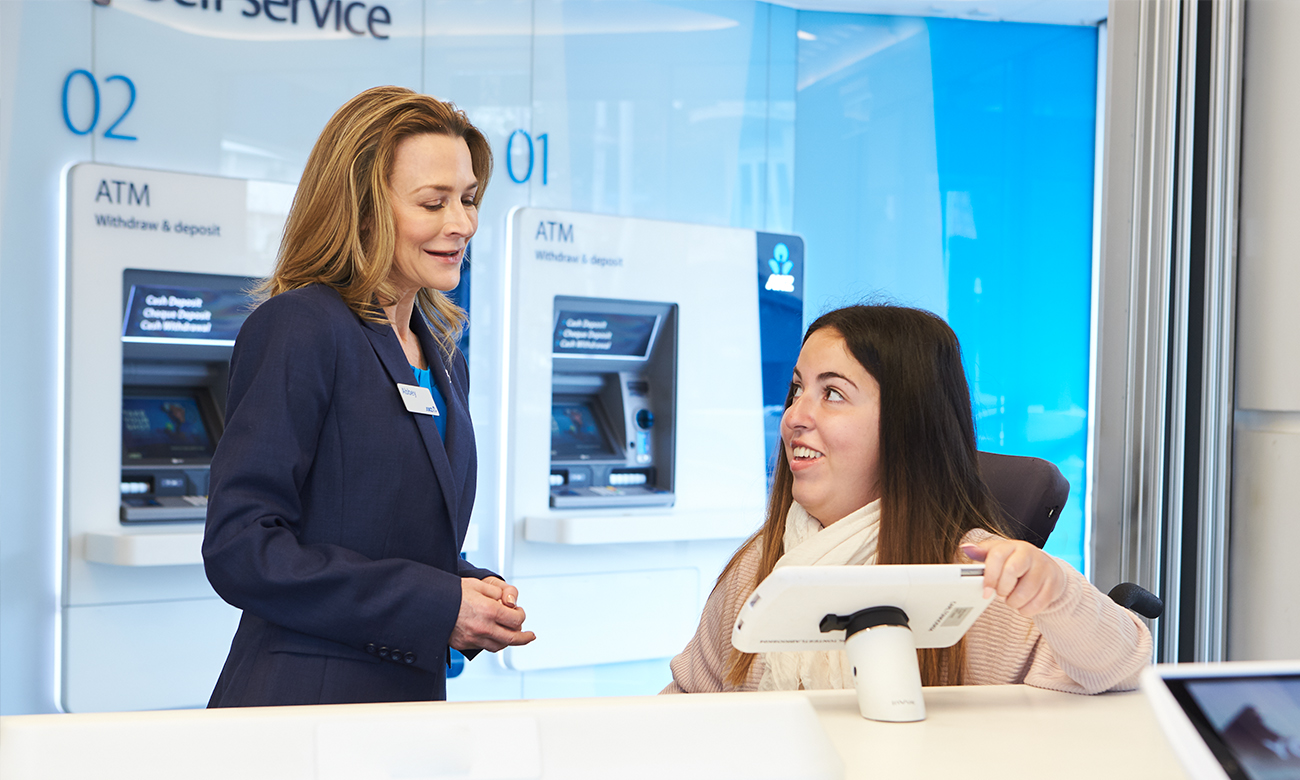
Our branch network is designed with accessibility and inclusion at the forefront. We want every customer and staff member to feel comfortable, safe, and connected.
All new branches feature level access and comply with Disability Discrimination Act guidelines.
Many of our branches include the following accessibility features:
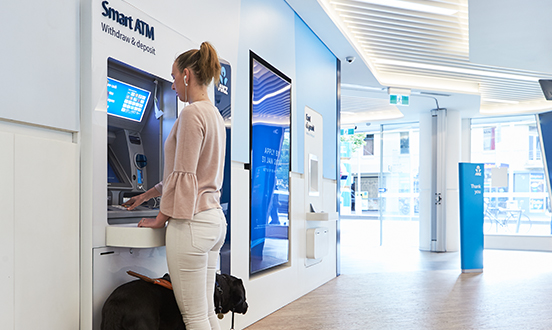
All branches have accessible ATMs with braille, and service animals are always welcome. Our staff are here to help and are trained to make your banking experience easier. Please call us and ask to be connected to your local branch to discuss any accessibility requirements.
Our staff in-branch are trained to help you bank quickly and easily. They can book Auslan interpreters for longer appointments so that you get support in a way that works for you. They can also guide you on ways a support person or carer can help with your banking, while keeping your accounts safe.

Family violence support services
Financial abuse and family violence can happen to anyone and may occur in many different forms. If you're experiencing any form of financial abuse or family violence, there are ways we can help.

You’re not alone if English isn’t your first language. We have a network of people ready to help - just ask for an interpreter when visiting a branch or calling us. This service is available in over 150 languages.

Our website uses inclusive design principles which are tested with a range of commonly used adaptive technology such as screen readers and magnification.

We want to help make our banking information easier for you to understand and use confidently. That is why we have developed a series of Easy Read documents to help people who have low English literacy or find reading and understanding written content difficult.

You can contact us through the National Relay Service if you’re Deaf or find it hard to hear or speak and communicate on the phone. Our team is trained to support you with your banking. The National Relay Service is free and confidential, and provides a range of different types of call services. You can choose the relay call option that suits your needs and preferences on the National Relay Service site.
Step 1 - Contact us through your preferred NRS call channel detailed on NRS call numbers and links.
Step 2 - Provide the NRS with our phone number 13 13 14
For more information visit: About the National Relay Service
If you are unable to make a voice call and need support with your banking, you can Message Us in the ANZ App to communicate with our team via chat.
We’re proud to partner with the Shift 20 Initiative - a movement to increase representation of people with disability in advertising.
Australians with disability make up almost 20% of the population. That’s 1 in 5 Australians. Yet in advertising, they are only represented 1% of the time.
At ANZ, we know it’s important for people with disability to be seen like everyone else (although we recognise that not all disabilities are visible). You cannot be what you cannot see.
As one of Australia’s leading organisations, it’s important for us to champion disability visibility in all aspects of our advertising and set an example.
It’s a simple yet powerful change.
We are focused on making products, services, workplace and culture welcoming and supportive of all people. We understand that disability is relevant to every aspect of our business – customers, employees, markets, communities, suppliers and key stakeholders.
Find out more at shift20.org
See how we support our staff at ANZ Accessibility and inclusion.
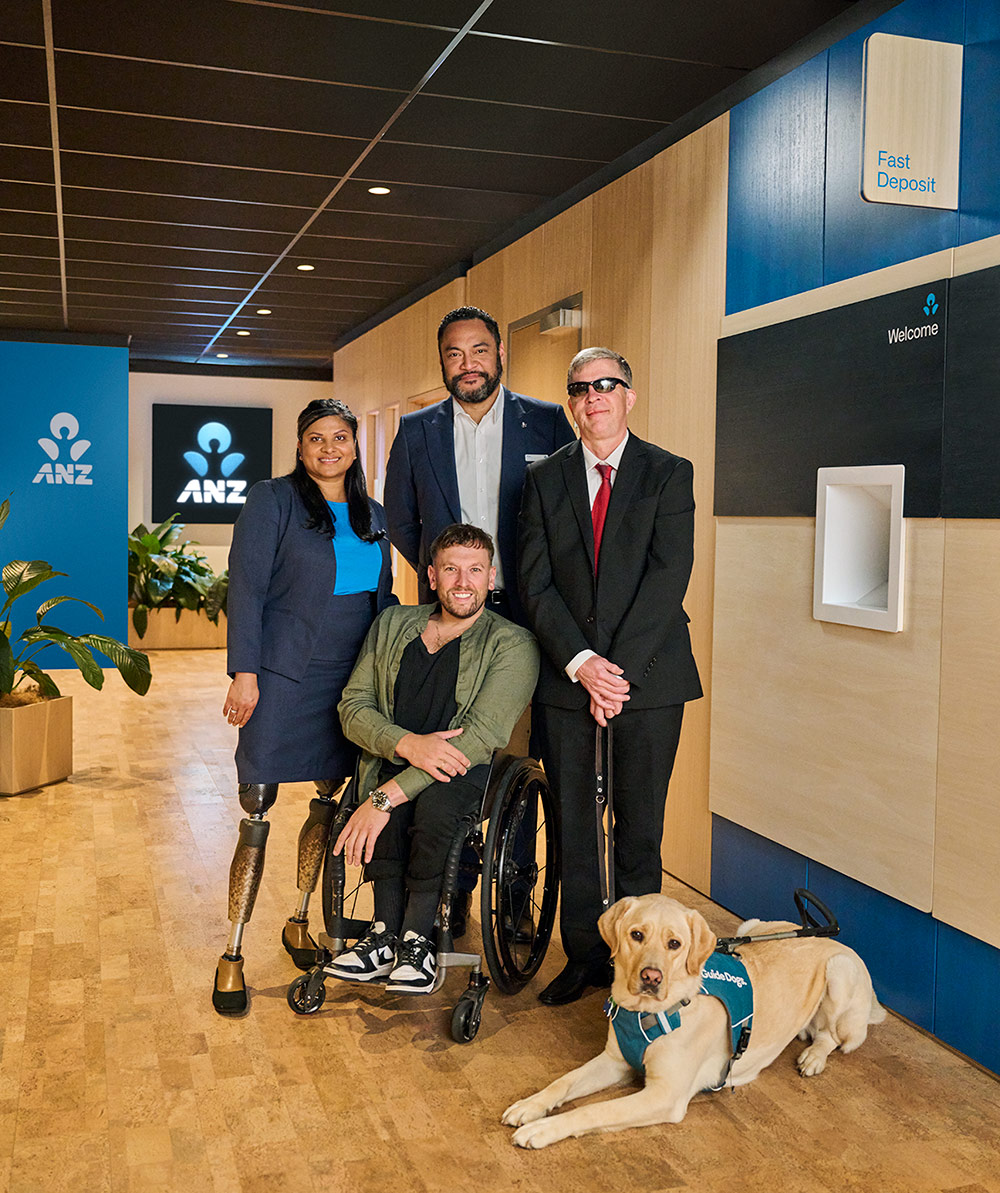
Image: Sara, Dylan, Anthony, Hamish and Diesel



If you’re using an iPhone or iPad, you can use your phone to increase or decrease the font size using Dynamic Type. You can use the accessibility settings on your phone to change screen contrast.
You can also navigate the app and read your statements with VoiceOver or TalkBack.
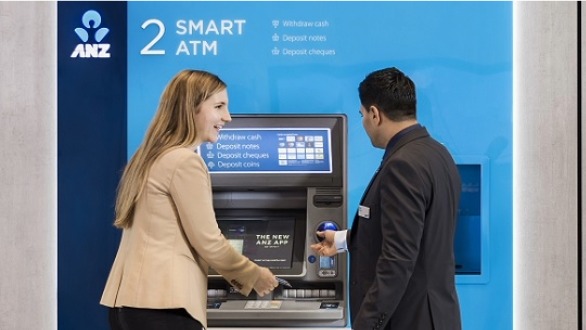
We’ve made our Smart ATMs more accessible with braille markers, 3.5m phone jacks for audio assistance and 12 languages. You can deposit cash and chequesdisclaimer, withdraw notesdisclaimer of your choice, check your balance, transfer between linked accounts, pay a linked credit card or update your PIN.

Prefer a larger screen? Log in to Internet Banking to access all you need from the comfort of your computer. The ANZ App and Internet Banking are both compatible with screen reading software.
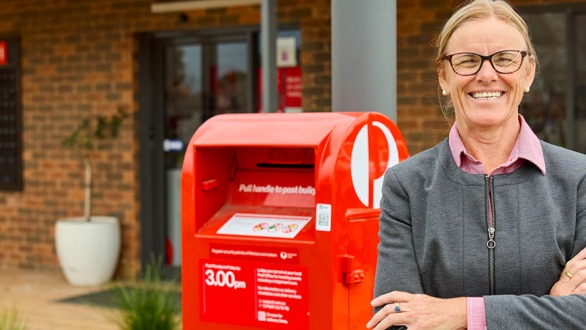
Bank@Post is a secure service provided by Australia Post that enables you to perform basic banking transactions at over 3,300 participating Post Offices across Australia.
Safety first
Keeping your bank account and card details safe is our number one priority. To learn how we protect your personal details and sensitive banking information visit our security hub.
Share your thoughts
For more information on how we’re working to make ANZ more inclusive or to share any ideas you may have with us, please get in touch.
Any information provided is general in nature and does not take into account your personal needs, financial circumstances or objectives and you should consider whether it is appropriate for you. ANZ recommends you read the applicable Terms and Conditions booklets and the ANZ Financial Services Guide (PDF) before deciding whether to acquire, or continue to hold, a particular product, which are available on anz.com or by calling 13 13 14 before deciding whether to acquire, or continue to hold the product.
Mobile payments available on compatible devices and eligible ANZ cards.
Separate terms and conditions apply to the use of Apple Pay, Google Pay, Samsung Pay, Fitbit Pay and Garmin Pay.
Apple, Apple Pay and iPhone are trade marks of Apple Inc., registered in the U.S. and other countries.
Android, Google Pay, and the Google Logo are trademarks of Google LLC.
Samsung and Samsung Pay are trademarks or registered trademarks of Samsung Electronics Co., Ltd.
Fitbit and the Fitbit logo are trademarks or registered trademarks of Fitbit, Inc. in the U.S. and other countries.
Garmin, the Garmin logo, and the Garmin delta are trademarks of Garmin Ltd. or its subsidiaries and are registered in one or more countries, including the U.S. Garmin Pay is a trademark of Garmin Ltd. or its subsidiaries.
ReturnCash and cheque deposit limits apply. You can find more information on deposit limits at www.anz.com/accounttermconditions
ReturnFor eligible ANZ credit cards, withdrawals from an Australian ANZ ATM using a digital wallet will attract interest, and you may also have to pay a Cash Advance Fee. For a full list of transactions that are considered to be a ‘cash advance’, please refer to the ANZ Credit Card Conditions of Use (PDF). If you’re planning to make a cash advance using an eligible ANZ credit card with a digital wallet, please check the relevant interest rate and fees first. See the full list of eligible ANZ Visa cards available for use with your digital wallet: Apple Pay, Google Pay, Samsung Pay, Garmin Pay, Fitbit Pay.
ReturnThe ANZ App is provided by Australia and New Zealand Banking Group Limited (ANZ) ABN 11 005 357 522. Super and Insurance (if available) are not provided by ANZ but entities which are not banks. ANZ does not guarantee them. This information is general in nature only and does not take into account your personal objectives, financial situation or needs. ANZ recommends that you read the ANZ App Terms and Conditions available here for iOS (PDF) and here for Android (PDF) and consider if this service is appropriate to you prior to making a decision to acquire or use the ANZ App.
Return


