Connect your other ANZ accounts to ANZ Plus

Even add accounts from other banks! My Accounts lets you add and view your eligible accounts from other banks in the ANZ Plus app.1

We’ve made it easy to start banking with ANZ Plus

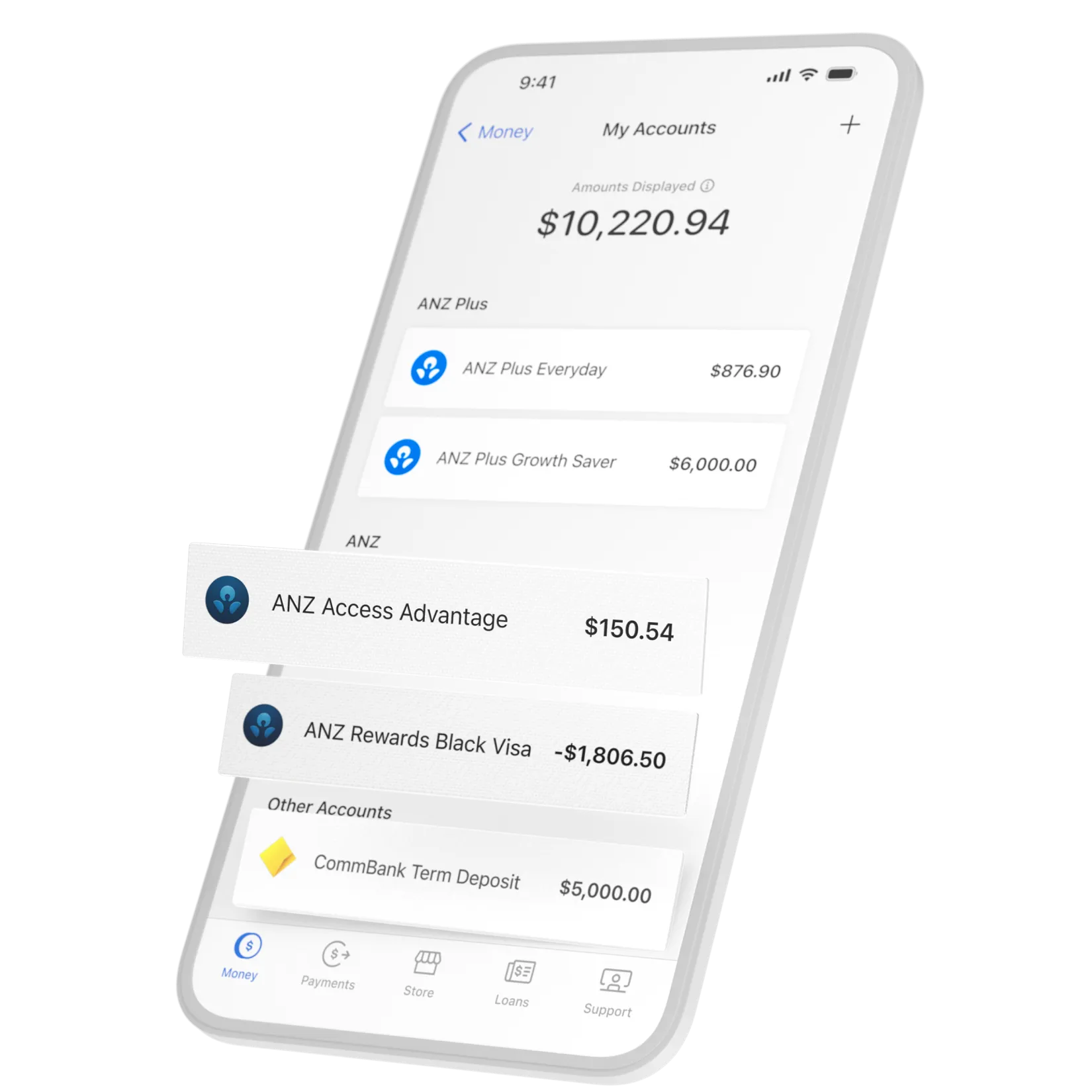
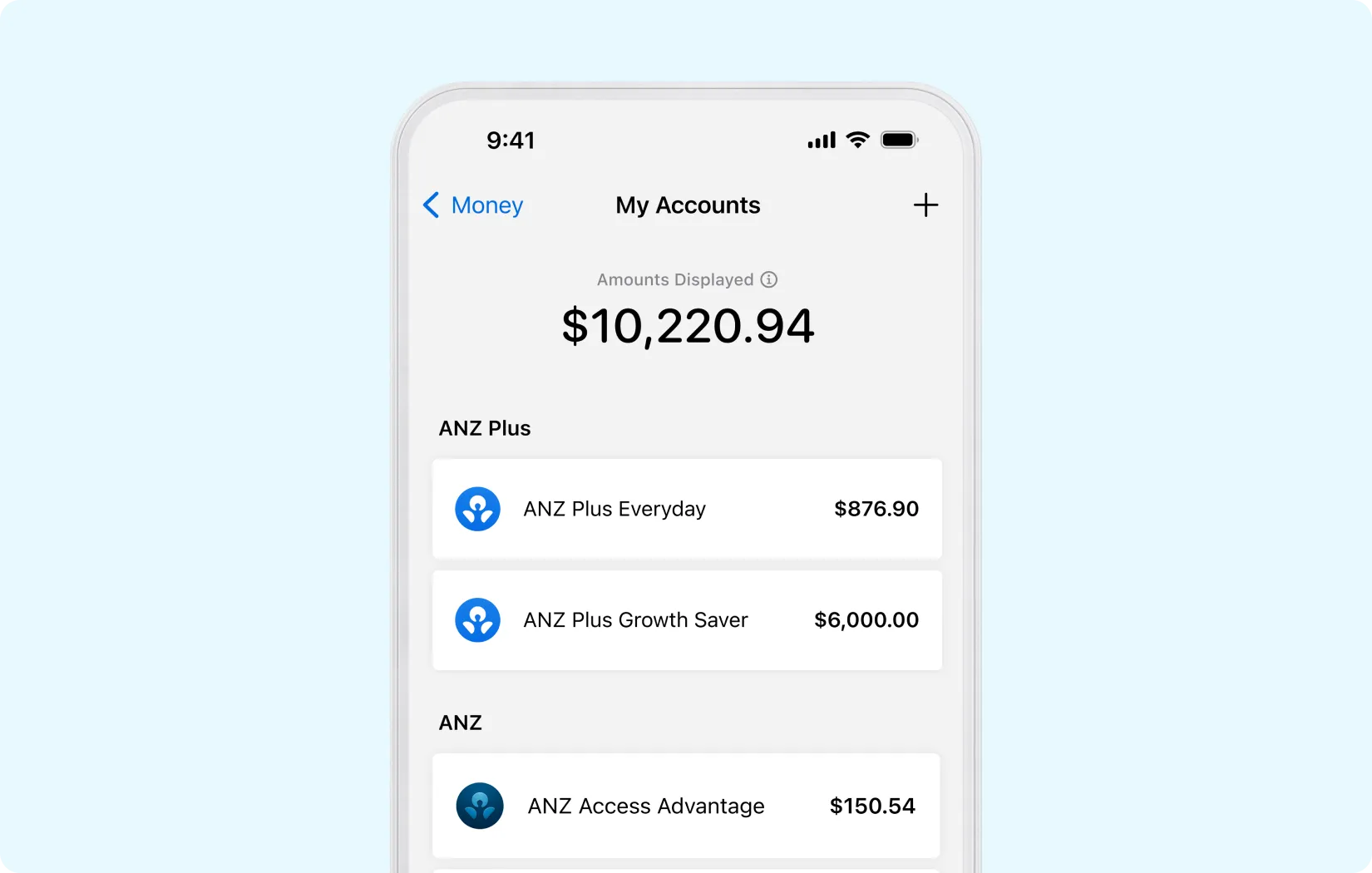
See existing accounts

You can now add and view your other eligible ANZ accounts within the ANZ Plus app, but you’ll still need to manage these accounts with other ANZ channels such as Internet Banking or the ANZ App, like you’ve done before.2 Some accounts can't be added just yet, like term deposits.

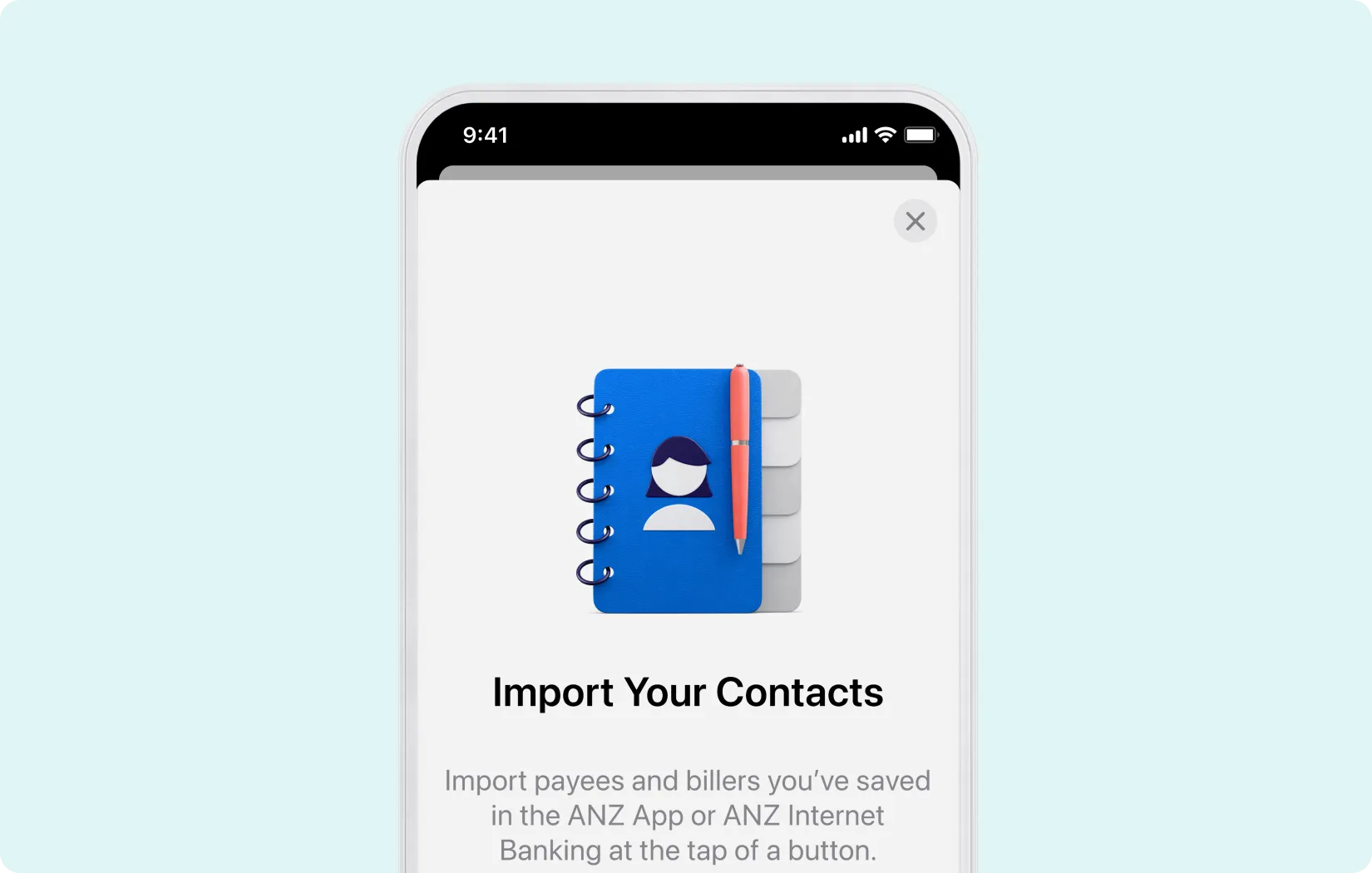
Import who’s important

There’s no need for manual handling. You can now import saved payee and biller details from your ANZ App or ANZ Internet Banking to your ANZ Plus app.

Import who’s important

There’s no need for manual handling. You can now import saved payee and biller details from your ANZ App or ANZ Internet Banking to your ANZ Plus app.

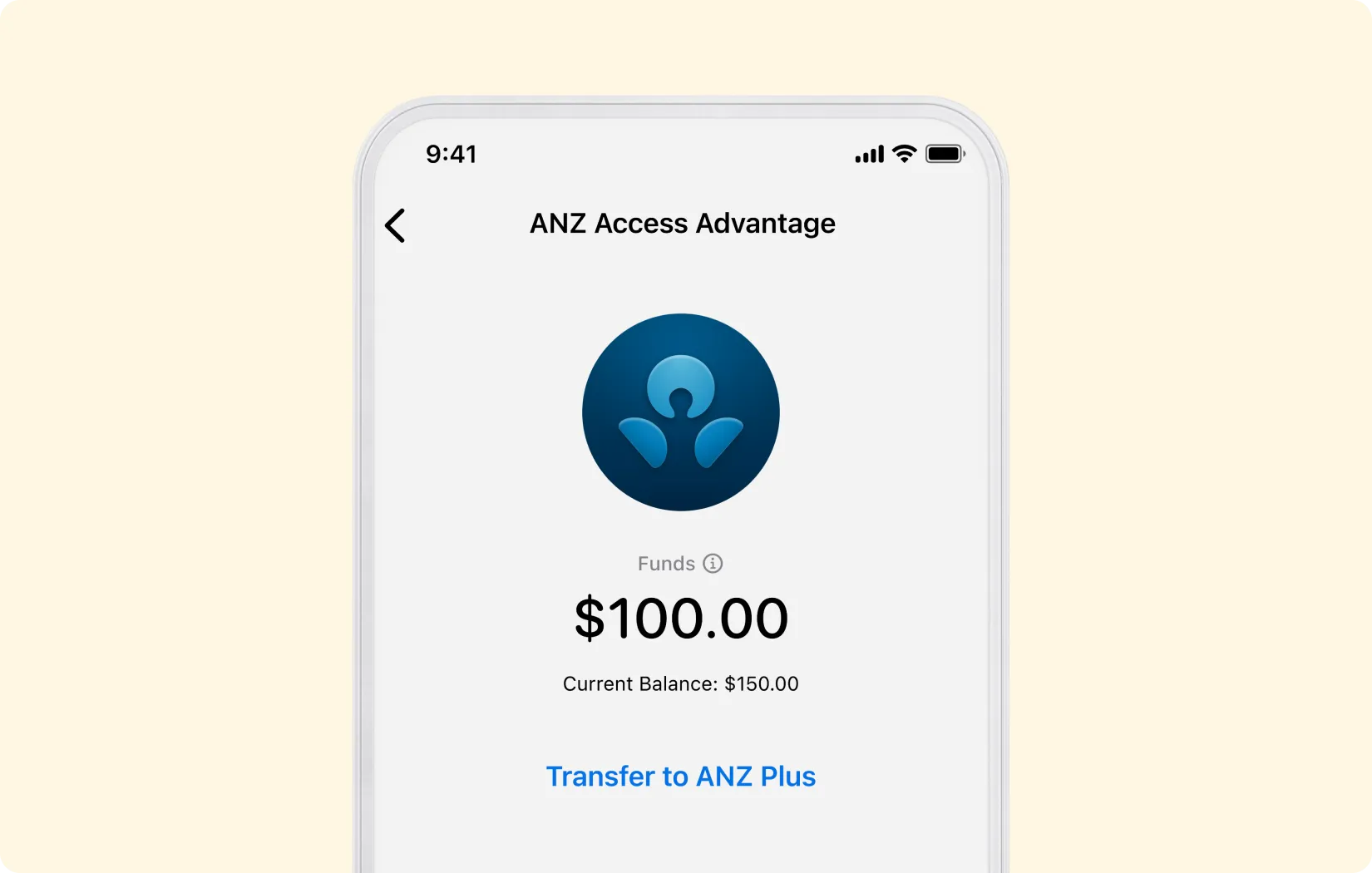
Fund your account

No more flicking between apps. Easily move money from ANZ to ANZ Plus all from within the ANZ Plus app to start spending.

Fund your account

No more flicking between apps. Easily move money from ANZ to ANZ Plus all from within the ANZ Plus app to start spending.

A safe space to share

We use Open Banking to connect your accounts from other banks – a safe and secure way of sharing banking data. This means that we won’t ask you to share your passwords from other banks or third-party providers when sharing your data with us.

Here's what you get

Everyday banking in one handy place

With integrated ANZ Plus Everyday and ANZ Plus Growth Saver accounts, the ANZ Plus app is loaded with smart tools and features to help you spend less and save more.

Grow your savings by earning interest

Get rewarded with bonus interest when you grow your ANZ Plus Growth Saver balance by $100 or more (on top of any interest you receive) each month.3

Get extra layers of security

You’ll have some of our toughest security features helping protect you and your money. Including ANZ Falcon® technology, Selfie ID, Scam Safe and more.

Join ANZ Plus today

“Quick and easy, very good user experience in signing up.”

ANZ Plus customer

Minimum of iOS 15.0 or Android 7.0

Scan QR code to get started

Your questions answered

Can I access other ANZ accounts in the ANZ Plus app?

The ANZ Plus app has been exclusively designed for your ANZ Plus accounts, so you can't use it to manage your other ANZ accounts.

Viewing other ANZ accounts

You can view your eligible ANZ accounts in the ANZ Plus app by connecting them to My Accounts. To do this:

  1. Go to the Money tab.
  2. Swipe across on the tile row and tap on My Accounts.
  3. Select Connect ANZ accounts and follow the prompts.

Once you've connected your accounts, you'll be able to view transactions made on your eligible ANZ accounts from 1 October 2023 onwards. This is not yet available for some accounts.

You can use your ANZ Plus app to transfer money from eligible ANZ accounts direct to ANZ Plus. You can also import your saved contacts and billers from the ANZ App and ANZ Internet Banking.

If you have any questions about your ANZ accounts, including disputing transactions, please follow the steps provided in the ANZ App or ANZ Internet Banking.

Can't find what you're looking for, make sure you've updated your app to the latest version.

What is My Accounts?

My Accounts displays a consolidated view of your accounts held with ANZ Plus and the eligible accounts you choose to link.

You can link your eligible ANZ accounts and the eligible accounts you have with other banks or providers to My Accounts. This may include accounts that are not personal to you. Once linked, you may be able to view transactions linked to that account by tapping on the account.

For more information on the amounts and transactions displayed in My Accounts, tap on the 'Amounts Displayed' label within My Accounts or see 'About 'My Accounts'' in the ANZ Plus Digital T&Cs.

What accounts can I add to My Accounts?

My Accounts lets you add eligible accounts from your other banks and providers, as well as other eligible ANZ accounts. This may include accounts that are not personal to you such as joint accounts, business accounts and trust accounts.

Connecting accounts from other banks and providers

Not all your other accounts may be eligible to be added to My Accounts. You also need to be at least 18 years old to connect accounts from your other banks or providers to My Accounts. No third parties have reviewed or endorsed the ANZ Plus app or My Accounts feature.

Eligible ANZ accounts

Currently, you can connect most ANZ transaction, savings, credit card and loan accounts. This may include accounts that are not personal to you.

Ineligible ANZ accounts include:

  • Term deposits
  • Business accounts
  • Accounts that are closed
  • Any account where you are not the primary card or account holder (e.g. secondary card holders, third-party signatory)

How secure is my data with My Accounts?

Your security and privacy is important to us.

Connecting accounts from other banks and providers

We won’t ask you to give us the passwords that you have with your other banks or providers. When you create a data-sharing arrangement, you’ll be redirected to the other bank or provider where you’ll be asked to authenticate and confirm the data you would like to share with ANZ Plus. Once you have a data-sharing arrangement in place, the data you share with us will only be used for you to see your other accounts, balances and transactions in My Accounts.

Connecting eligible ANZ accounts

To do this, you’ll need to provide ANZ Plus with your ANZ Customer Registration Number (CRN) and Internet Banking password.

1 Only eligible accounts shown. Amounts shown may not reflect your personal situation or money available to spend. See ANZ Plus Digital T&Cs for more information. Information on third party accounts is sourced from those third parties with your consent. Third parties have not endorsed the My Accounts feature.

2 Eligible accounts, payees and billers only. Info on third party accounts sourced with your consent. See ANZ Plus Digital T&Cs. Third parties have not endorsed.

3 We use the effective daily balance of your ANZ Plus Growth Saver account at 11:59pm (AEST/AEDT) on the last business day of the month to determine if you've met the requirement to grow your balance. See the ‘Earning interest’ section of the ANZ Plus Deposit Account T&Cs for more about what’s included in your balance, how interest is calculated and how we work out if you're eligible for bonus interest. See anz.com.au/plus/interest-fees for interest rates. Interest rates are variable and subject to change.

If you're new to ANZ Plus, ANZ Plus Growth Saver is only available if linked to an ANZ Plus Everyday account.

Falcon® is a registered trademark of Fair Isaac Corporation.

ANZ Plus star rating refers to the ANZ Plus app rating in the Apple App Store. Please refer to the Apple App Store for current rating.

Any advice is general and might not be right for you. The Financial Services Guide, Target Market Determinations and ANZ Plus Deposit Account T&Cs are available at anz.com/anzplus. You should read them before deciding to apply for or keep these products. Australia and New Zealand Banking Group Limited ABN 11 005 357 522 AFSL 234527

The ANZ Privacy Policy is available at anz.com.au/privacy/centre/policy